Rates and their history
Manage assets and manually entered or fetched rates in the Persian dashboard.
Manage gold, coin and currency rates, then calculate WooCommerce prices using your own formulas. Built for Iranian stores, with a Persian administration interface.
WordPress 6.6+ · PHP 8.1+ · Requires WooCommerce

Sample values. Not connected to a live feed.
Manage assets and manually entered or fetched rates in the Persian dashboard.
Combine quantity, multipliers, percentages, fixed adjustments and rounding.
Price simple products and variations, with rial and toman conversion.
Manual rates, APIs, custom JSON and selected HTML sources, enabled by an administrator.
Cards, tables and ticker boards using shortcodes and a Gutenberg block.
Keep the last valid rate, configure stale-rate handling and record order rate snapshots.
Change the base rate, quantity and adjustments. This example uses a manual rate and shows only part of the plugin’s formula capabilities.
See the actual plugin interface(rate × quantity) × (1 + % ÷ 100) + fixed
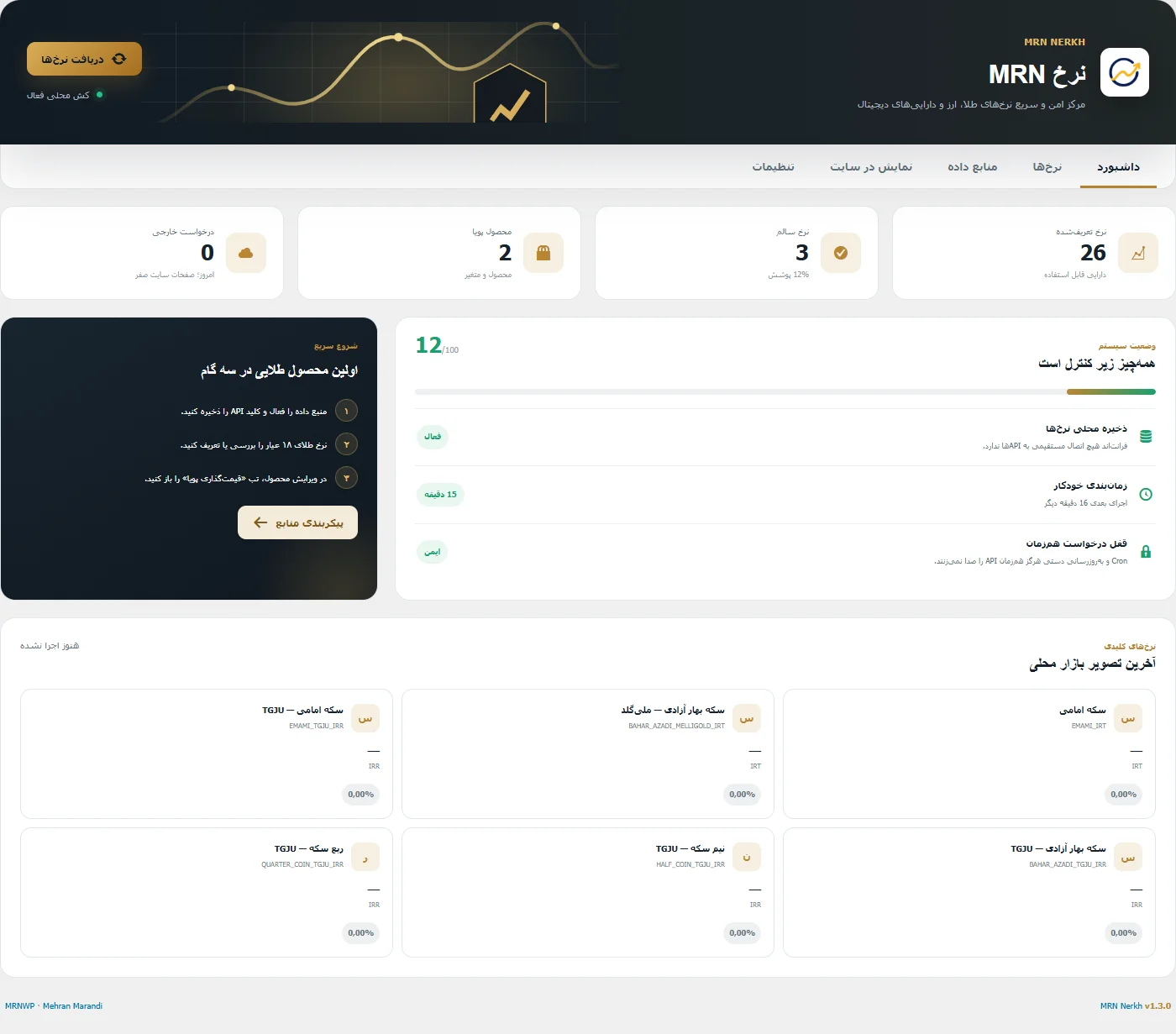
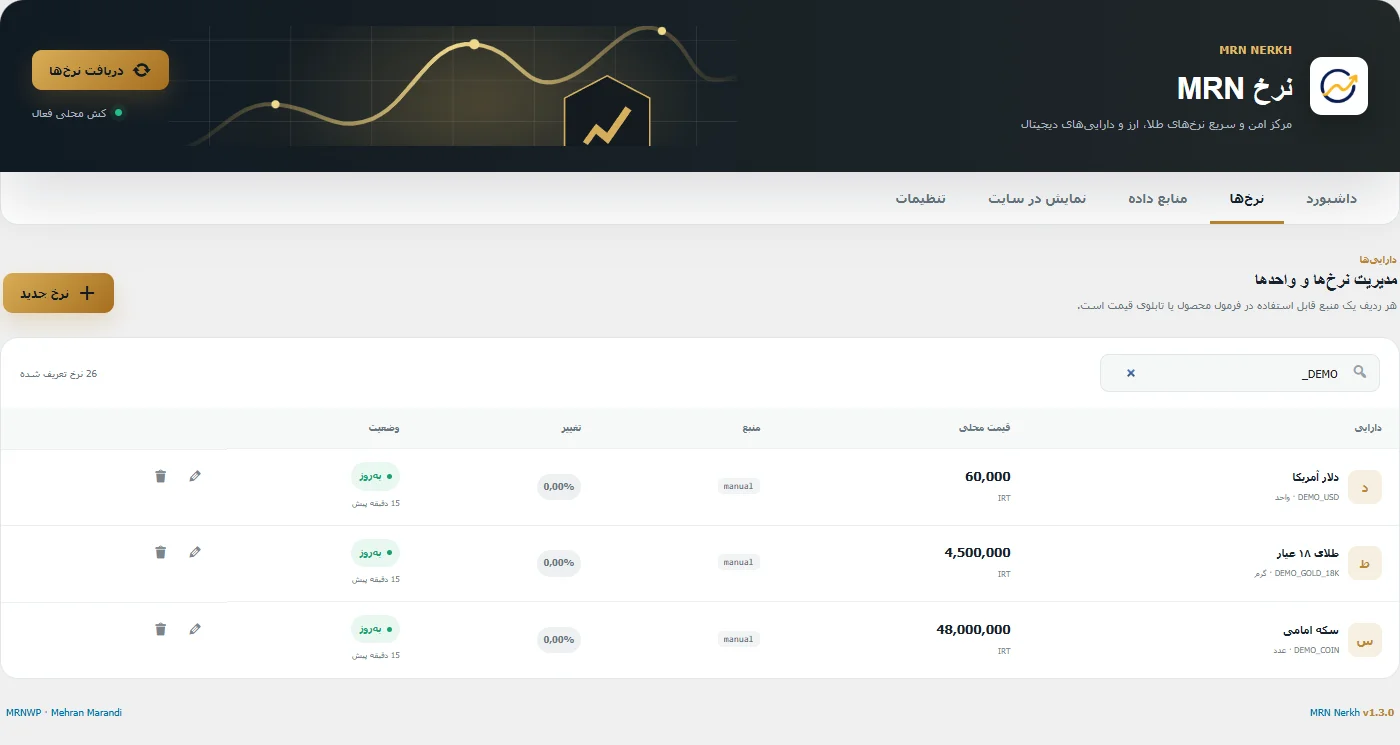

WordPress 6.6+ · PHP 8.1+ · Requires WooCommerce
Start with a manual rate. Before enabling an external provider, review its terms, fees and configuration.
Documentation and source on GitHubInstall and activate WooCommerce, then upload and activate the plugin ZIP.
Create an asset and enter a manual rate. No external connection is needed to start.
Optionally enable a data provider using your own settings and credentials.
Configure a product formula and stale-rate behavior, then verify the calculated price.
No. Fees, quotas, API credentials and data reuse permissions depend on the selected provider. Manual rates need no external service.
No. They are disabled on fresh installations and must be configured and enabled by an administrator.
The plugin administration interface is Persian and right-to-left. This product page and its getting-started guide are available in English.
The last valid rate is retained. Configure stale-rate behavior for your store and verify it before use.
MRN Nerkh · 1.3.0 · GPLv3+