 MRN Forms
Visual form building
Fourteen field types, drag and drop and a live preview for building your form.
Build with drag and drop, style every field and keep submissions organized. No page builder required.
WordPress 6.6+ · PHP 8.1+ · WooCommerce is not required

Fourteen field types, drag and drop and a live preview for building your form.
Show relevant fields and route notifications based on submitted answers.
Manage entries, read and spam statuses, and export responses as CSV.
Adjust widths, colors, spacing, labels and custom CSS.
Bilingual interfaces with automatic right-to-left and left-to-right layouts.
Client and server validation, a honeypot and submission rate limits.
Add a field or change the button color. This appearance preview does not send or store any information.
See the actual plugin interface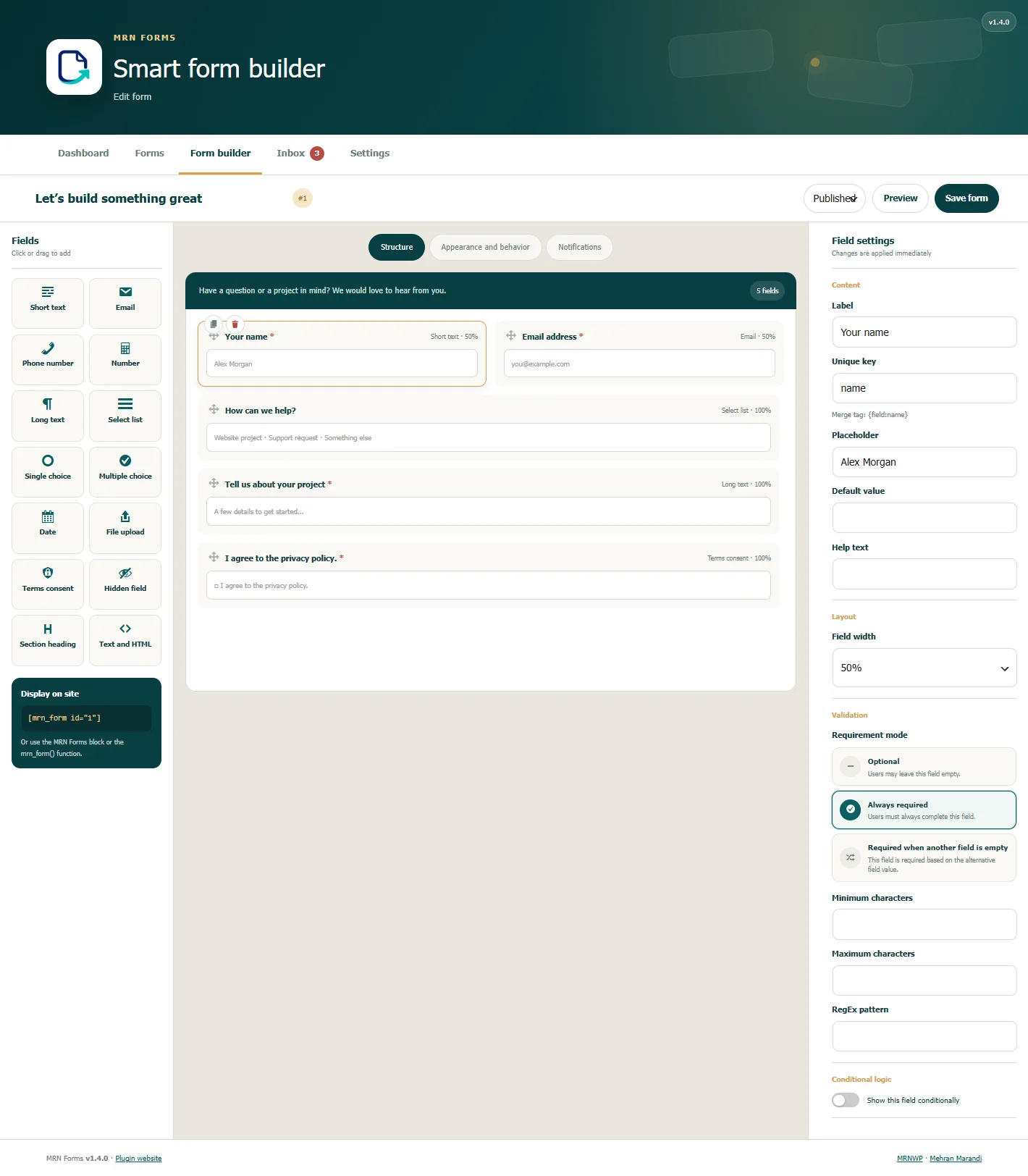
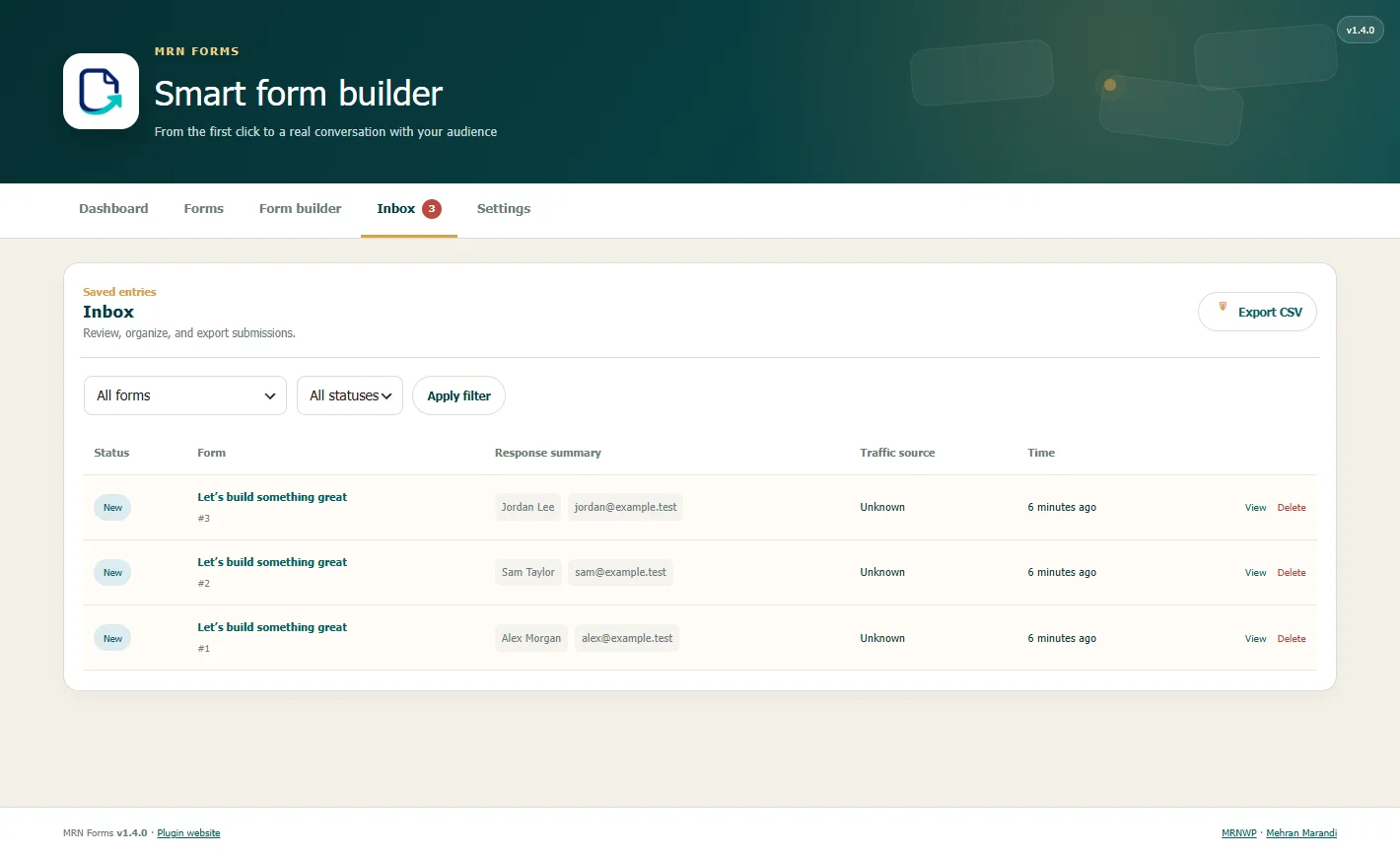
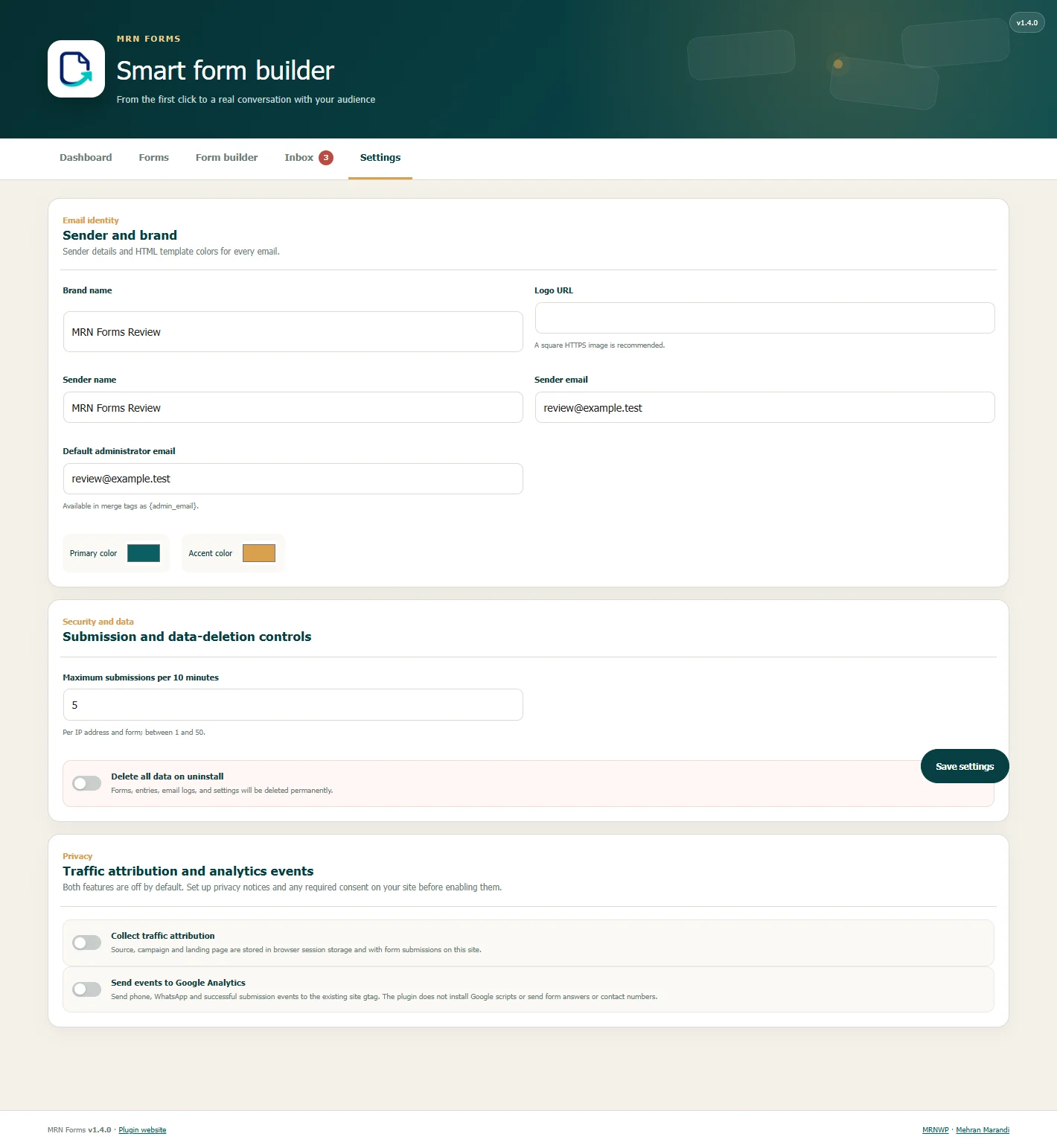
WordPress 6.6+ · PHP 8.1+ · WooCommerce is not required
After installation, test the form and its notifications on your own site. Configure site SMTP if needed for email delivery.
Documentation and source on GitHubUpload the ZIP under Plugins → Add New → Upload Plugin, then activate it.
Create a form in MRN Forms and add the fields you need.
Set the appearance, success message and notifications, then publish.
Insert the form using its Gutenberg block or the provided shortcode.
No. The visual builder, styling controls, Gutenberg block and shortcode are included.
No. The included form-building features require neither a paid license nor an external account.
Notifications use the WordPress mail system. Delivery also depends on your hosting or SMTP configuration.
No. Optional traffic attribution and integration with an existing Google Analytics installation are off by default.
MRN Forms · 1.4.1 · GPLv2+